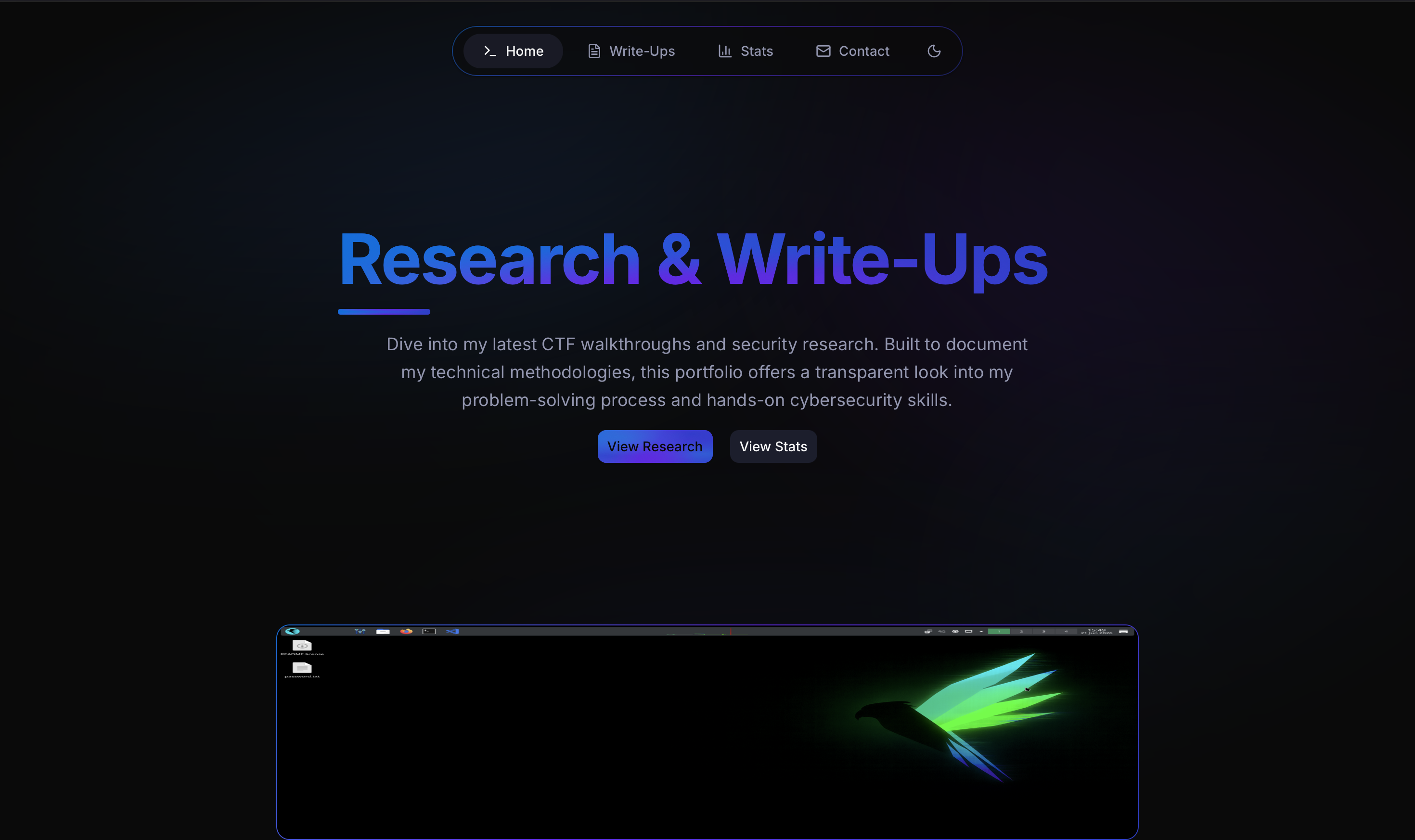
CTF Write-Ups Portfolio
A modern, responsive Next.js portfolio for showcasing Capture the Flag write-ups and cybersecurity research. Built to present write-ups in a format that's engaging and easy to read — kept separate from the main portfolio at kpritchard.co.uk.
Features
- Markdown write-ups — author CTF solutions in plain Markdown. Supports GitHub Flavored Markdown, syntax highlighting, tables, and images.
- Dynamic routing — each write-up gets its own dedicated page at
/write-ups/[slug], generated automatically from the filename. - Reports grid — browse write-ups in Grid, Card, or List view with real-time category filtering and search.
- Stats dashboard —
/statsauto-aggregates data from your Markdown files: category breakdown, monthly activity, and a chronological timeline. No manual updates needed. - Animations — scroll-triggered fade-ups and transitions built with Framer Motion.
- Dark theme — frosted-glass, hacker-inspired aesthetic. Built for cybersecurity content.
- Mobile optimised — fully responsive with a collapsible hamburger navigation menu.
Tech Stack
| Layer | Tech |
|---|---|
| Framework | Next.js 16 (App Router) |
| UI | React, Tailwind CSS, shadcn/ui |
| Animation | Framer Motion |
| Icons | Lucide React, React Icons |
| Markdown | React-Markdown, Gray-Matter |
Getting Started
Prerequisites: Node.js installed.
git clone <your-repo-url>
cd capture-the-flag-write-up
npm install
npm run dev
Open http://localhost:3000.
Adding Write-Ups
Create a .md file in content/reports/. Add this frontmatter at the top:
---
title: "Your Report Title"
slug: "url-friendly-slug"
category: "web-application"   # linux | windows | password-cracking | osint | cryptography
description: "Brief summary of the challenge and approach."
date: "YYYY-MM-DD"
---
Save the file. The portfolio picks it up automatically — no config changes needed.
Customisation
| What | Where |
|---|---|
| Colours and theme | app/globals.css and tailwind.config.ts |
| Navigation links | components/Main/Navigation/NavigationBar.tsx |
| Contact / social links | components/Contact/ContactForm.tsx |