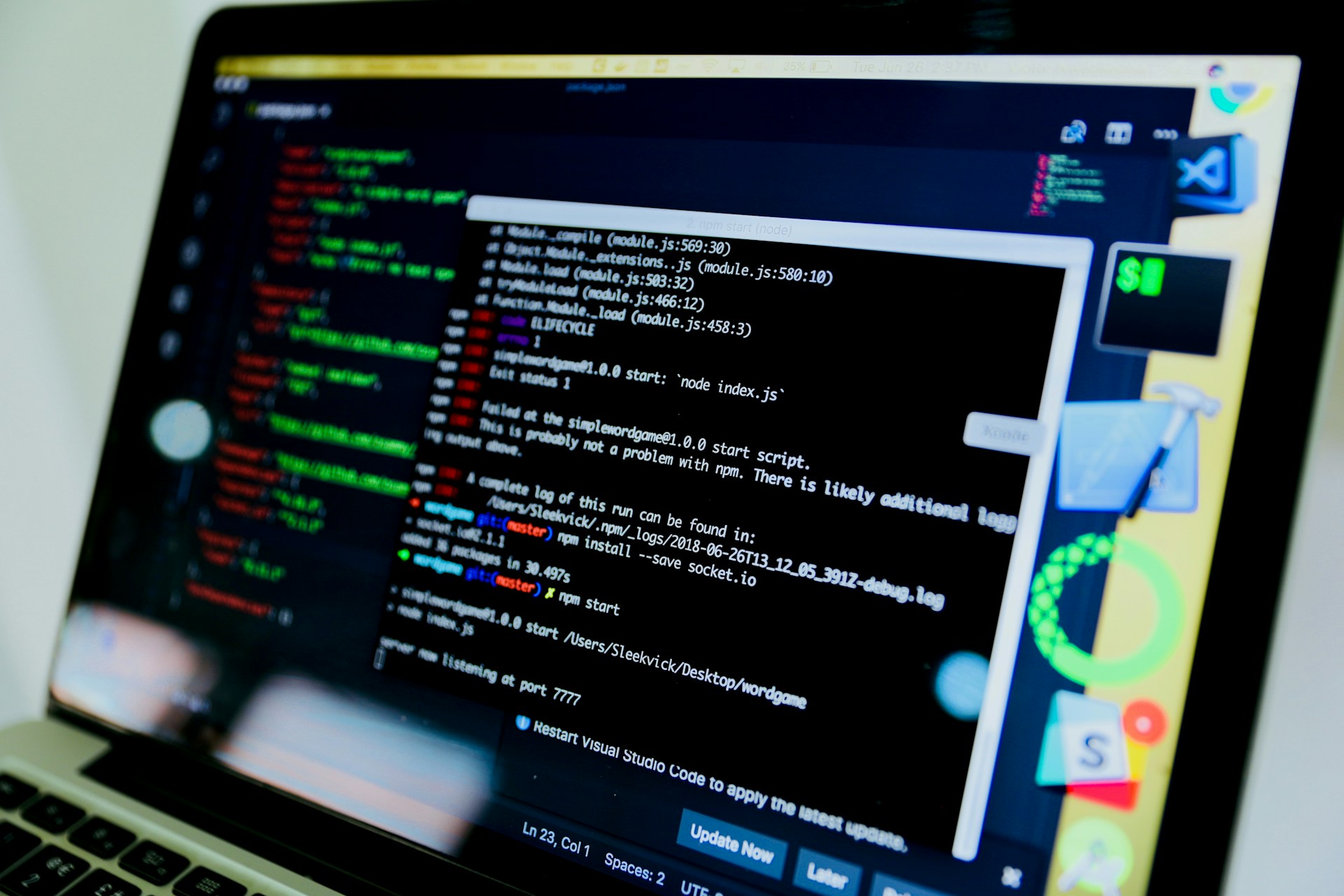
Remote Command Execution
A socket-based simulation of remote command execution built in Python. A server listens for incoming connections; once a client connects, it can send shell commands and receive the output in real time. Built to understand the underlying mechanics of client-server communication and network programming.
How It Works
- Server — binds to
127.0.0.1:5001, listens for a client connection, executes received commands via the shell, and returns the output. - Client — connects to the server, prompts for a command, sends it, and prints the response.
- Command loop — continues until either side disconnects with
Ctrl+C.
Tech Stack
| Layer | Tech |
|---|---|
| Language | Python |
| Networking | Socket programming |
| Tools | Git, VS Code |
Getting Started
Prerequisites: Python installed.
git clone https://github.com/KieranPritchard/Remote-Command-Execution
cd Remote-Command-Execution
Start the server:
python server.py
The server starts and listens on 127.0.0.1:5001.
Start the client (new terminal window):
python client.py
Once connected, you'll see:
Please input a command:
Type any shell command (ls, whoami, echo Hello World) and press Enter. The server executes it and returns the output.
Disconnect:
- Client:
Ctrl+C - Server:
Ctrl+C
Challenges
The initial server connection failed because the chosen port was already in use by another process. Resolved by switching to a free port — a practical introduction to port conflicts and basic network debugging.
What I Learned
- Socket programming fundamentals in Python
- Client-server architecture and connection lifecycle
- Real-time command handling and output streaming
- Network error handling and debugging
License
License is found in the root of the repository.
Sources
- Cover photo by Desola Lanre-Ologun on Unsplash