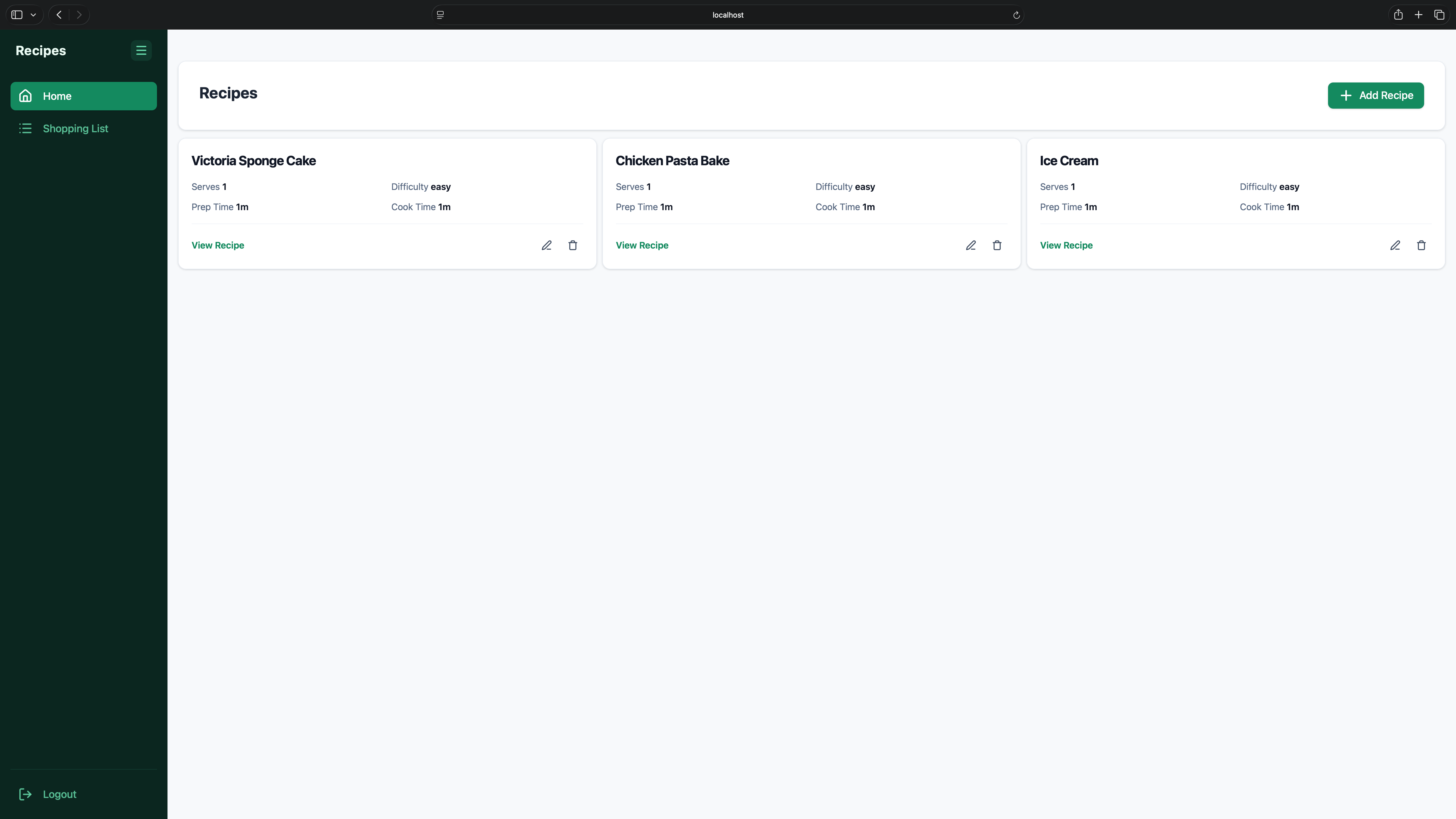
Project Description
Objective
To build a full MERN stack recipe manager with proper user accounts, so recipes are stored per user rather than in one shared pile. I wanted a project that forced me to deal with real session handling and validation on both the client and server, not just a CRUD app with no auth.
Features
- Session-Based Auth: Uses
express-sessionwithconnect-mongo(MongoStore) so sessions persist in MongoDB Atlas rather than in memory. - Shared Validation Logic: Zod schemas are used on both the client and server, with the client schema built from
recipeSchema.omit({ userId: true })so the two never drift apart. - Per-Section Error Routing:
RecipeForm.tsxroutes validation errors to the specific section of the form they belong to, instead of showing one generic error message. - Credentialed API Requests: Axios client is configured with
withCredentialsso session cookies are sent correctly across requests.
Technology and Tools Used
- Language: TypeScript
- Framework/Library: Express, MongoDB Atlas, express-session, connect-mongo, Zod, Axios
- Tools: Git, VS Code
Challenges Faced
I ran into a layered chain of bugs that all masked each other at first. It started with a dotenv path mismatch, which meant my environment variables weren't loading where I expected. Once that was fixed, I hit a MongoParseError from a bad connection string, then a port conflict because macOS AirPlay was already sitting on port 5000. After clearing those, I found my session middleware was registered in the wrong order, so sessions weren't persisting properly between requests. The last piece was the client and server Zod schemas disagreeing on the shape of a recipe object, since the client form doesn't know the userId yet when a recipe is being created. I fixed that by deriving the client schema with recipeSchema.omit({ userId: true }) instead of maintaining two separate schemas by hand.
Outcome
The project works as a full recipe manager with proper accounts, session persistence, and validation that stays in sync between client and server. Working through that chain of bugs one at a time taught me a lot about how much middleware order and environment setup can silently break things further down the stack, even when the actual application logic is correct.
How to Use the Project
-
Clone the Repository:
- Use git to clone the project.
-
Set Up Environment Variables:
- Create a
.envfile with your MongoDB Atlas connection string and a session secret. - Make sure the
.envfile path matches whatdotenvanddocker-compose.ymlexpect.
- Create a
-
Start Everything with Docker Compose:
- From the root of the project, run:
docker-compose up
- This builds and starts the client, server, and any other services defined in
docker-compose.ymltogether.
-
Using the App:
- Open the client URL in your browser.
- Register or log in to create a session.
- Add, edit, and delete recipes through the form, which validates input on both the client and server before saving.
-
Stopping the Project:
- Press
Ctrl+Cin the terminal running Compose, then rundocker-compose downto clean up containers.
- Press